The Video Production CRM · Coming soon
Client management for video production
See the people behind the work, then follow each enquiry through to its agreed production scope. Keep useful history with the client instead of relying on someone’s memory.
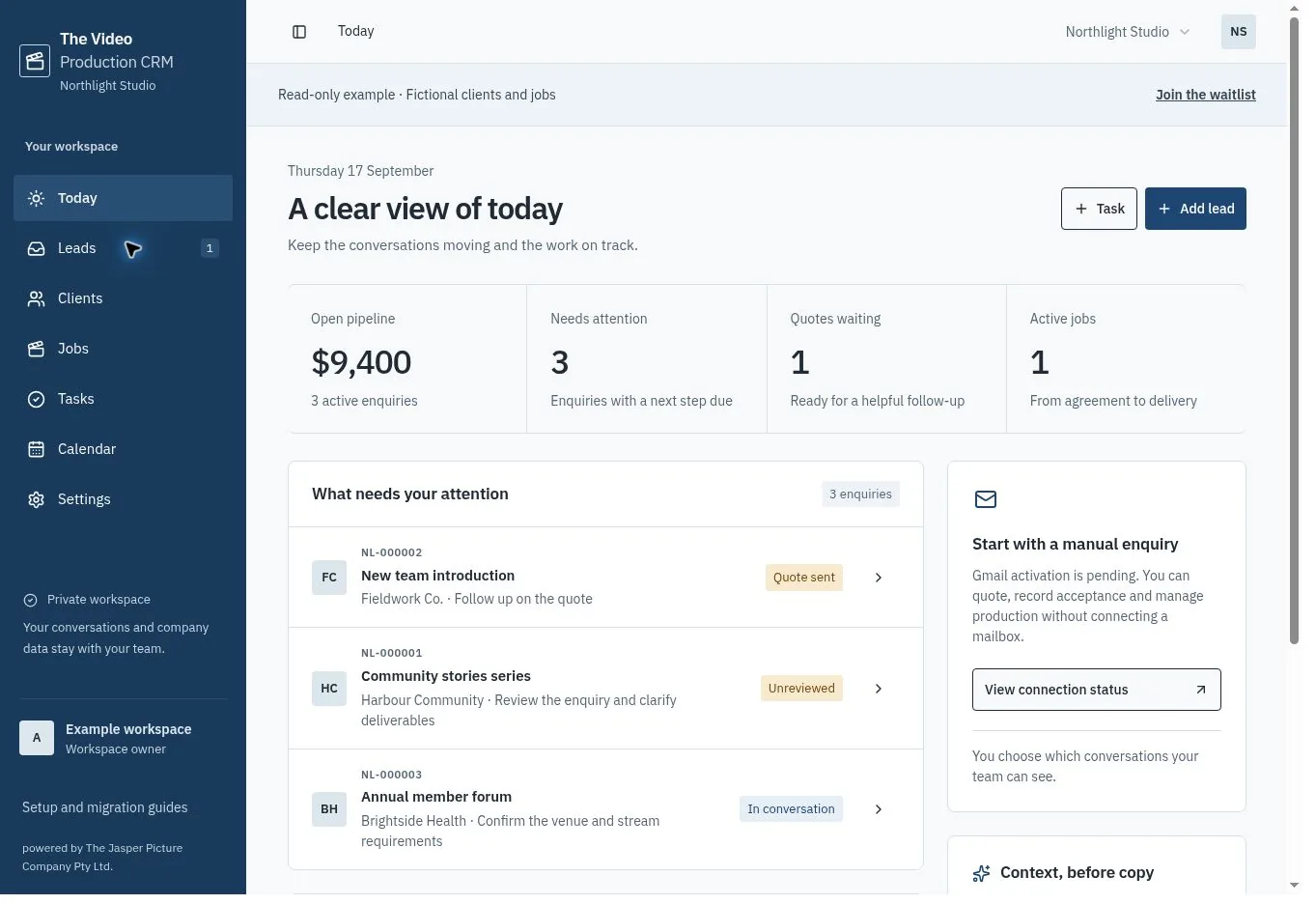
One contact, a history of work
Store a contact name, company, email, phone and useful notes. Link new enquiries to an existing contact so repeat work stays connected. The client view shows enquiry counts and the value of won work.
Keep the distinction between the client and the production. One contact may commission several projects, and each project needs its own brief, reference, quote and next action.
Move contacts in small, checked batches
The CSV importer accepts name, company, email, phone and notes. It shows a preview before import and skips email addresses already present in that workspace. Start with five or ten contacts, check them, then continue in batches of up to 300.
Historical quotes, attachments, completed projects and automation rules need a separate migration decision. Keep the old system available while you validate the important information.
Share access within the right company
Workspace membership controls who can see company records. Owners manage invitations, settings and exports. A contact can only be linked to enquiries in its own company.
Each company can use its own rates, terms and writing preferences. Switching workspaces changes the company context; it does not combine their contacts.
Common questions
Will importing update an existing contact?
Matching email addresses are skipped rather than overwritten. Edit an existing contact directly if its details have changed.
Can I export my data?
A workspace owner can export CRM data as JSON. Integration credentials are excluded. The CSV importer is not a JSON backup restore tool.